
Screen recordings
that look edited.
Record your Mac and get a polished video automatically — zooms that follow your clicks, a silky cursor and a beautiful background. Free, native and private.
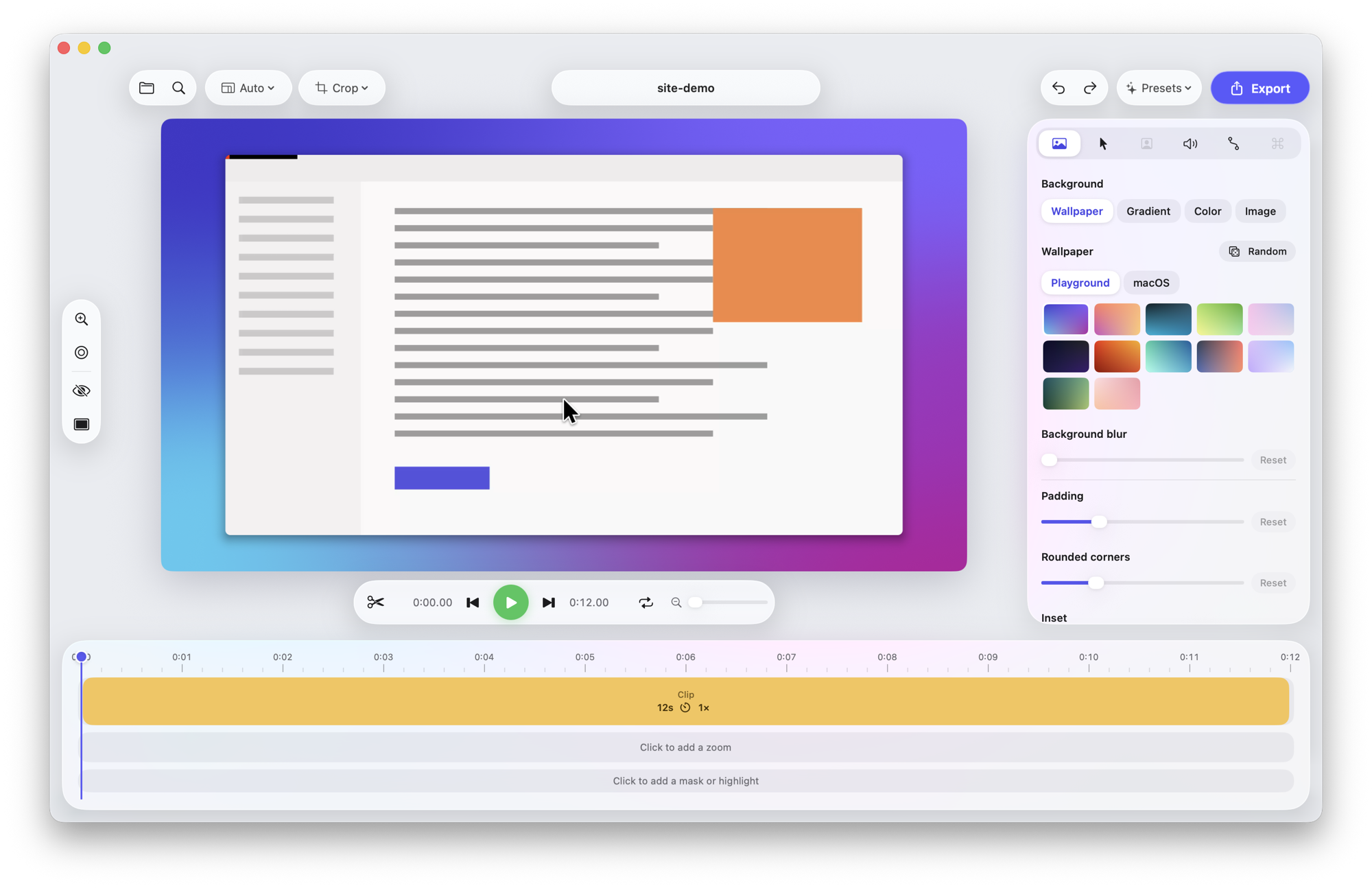
See it in action
Exported straight from Screen Playground — no manual editing. Zooms follow the clicks, then ease back out.
Everything a great demo needs
Record raw, then shape it in the editor. Nothing is baked in until you export.
Automatic zoom
Zooms follow your clicks so viewers always see what matters. Tune timing, aim them by hand, or use the glass loupe.
Smooth cursor
Jittery mouse movement becomes a smooth glide, re-drawn sharp at any size, with click effects and motion blur.
Beautiful backgrounds
Wallpapers, gradients, padding, rounded corners and shadows, in 16:9, 9:16, square and more.
Fast editing
Split, trim and ripple delete; speed up slow parts; blur sensitive areas; full undo.
Camera, mic & music
Add a webcam bubble or split-screen, your voice, system audio and background music.
Export anywhere
MP4 up to 4K at 60 fps, GIF or ProRes — or copy straight to the clipboard and paste into Slack.
Three steps
From recording to a share-ready video in under a minute.
Record
Press ⌥⌘↩ anywhere and pick a display, a window or an area.
Polish
The editor opens with zooms already added. Tweak the style or keep the defaults.
Share
Export a file or copy the video to your clipboard.
Free for everyone
No account, no watermark, no tracking. Your recordings never leave your Mac.